
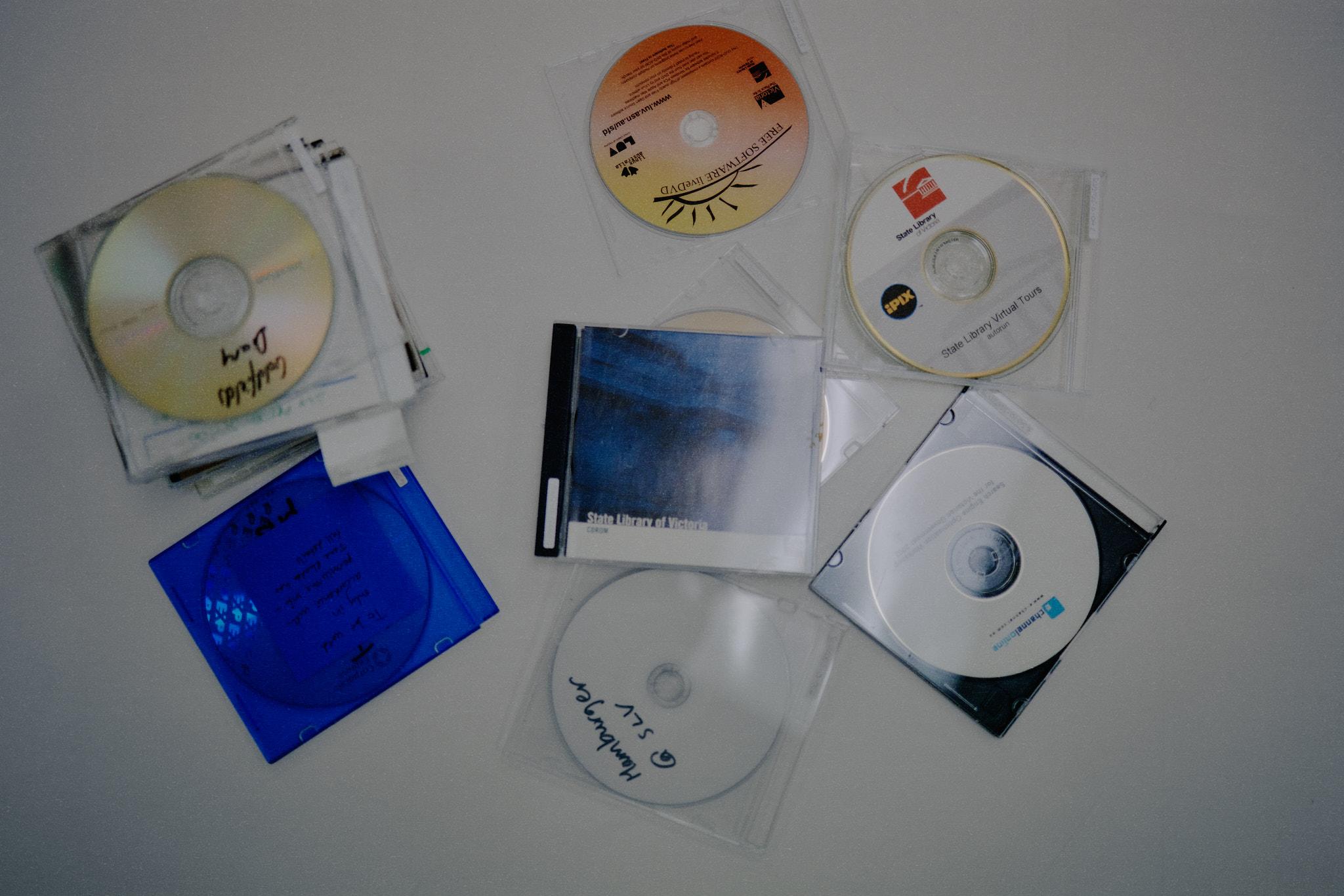
On a computer in the Redmond Barry Reading Room , you can visit State Library Victoria as it was more than two decades ago, when the Library’s domed reading room was filled with scaffolding and the city skyline beyond the Library was more open. A virtual camera turns through reading rooms and corridors with the signature frame stutters of early internet footage, and everything has the tint of another technological era, when computers were mostly beige.
This web experience, simply labelled 'State Library Virtual Tours' on a CD-ROM, was created in 2001, during the redevelopment of the Library’s Dome. It was one of the Library’s early experiments with digital technology, built in collaboration with IPIX, a company that specialised in interactive 3D photography. At the time, these panoramic views gave online visitors a way to move through the building and see spaces they may not otherwise be able to access.
Virtual Tours relied on Java applets , a once-common web technology that contemporary browsers no longer support. Preserving the files alone is not enough to make the site work again. To experience it as intended, the Library has had to recreate the conditions in which it once ran, using a Windows 98 emulator hosted through the Australian Emulation as a Service Infrastructure network, known as AusEaaSI . This is the kind of experience that the Library’s emerging digital preservation work is designed to make possible.
For the past few years, State Library Victoria has been building its capacity to preserve born digital cultural heritage. A book, a photograph or a newspaper has a form that can be held, placed on a shelf and returned to by future generations. But digital cultural heritage – websites, a CD-ROM or an interactive virtual tour – depends on hardware, software, file formats and operating systems that are fragile or constantly changing. When those systems disappear, so too can the ability to understand and experience the material they once supported.
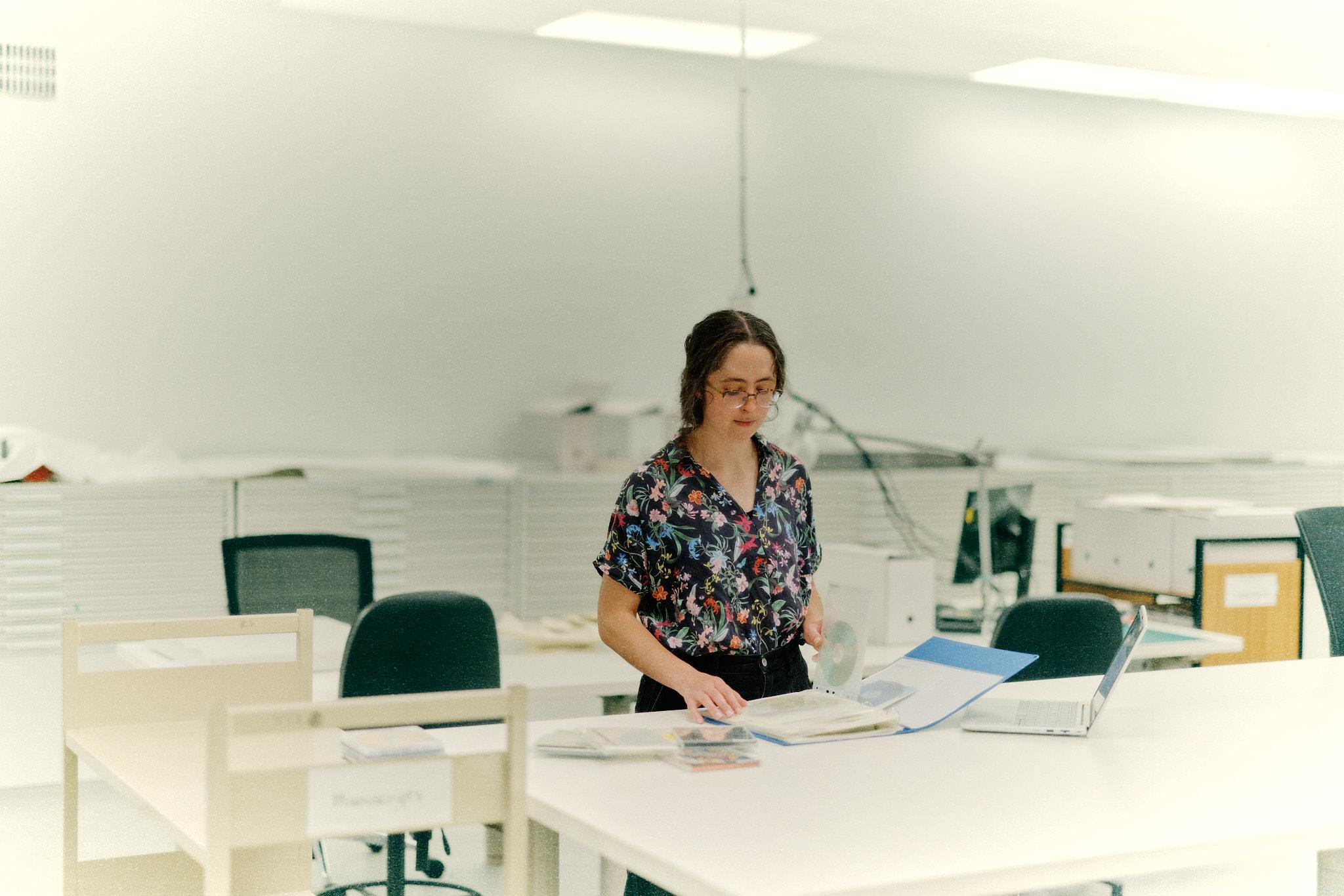
Susannah Bourke became the Library's Digital Archivist in 2023. Her work focuses on securely storing, documenting and making accessible data in ways that respect the conditions in which it was created. As part of her work in the Library’s Digital Preservation Lab, she and her colleagues have been developing their team’s workflows through a collection of State Library Victoria-created CD-ROMs found around the office in 2024 . The discs have since been transferred to the lab, where they are being imaged and examined.
This work is forensic. Old media can be temperamental, and files are often hidden behind outdated formats or dependent on software that has disappeared from everyday use. Some of the discs that have been imaged contain corporate documents, draft presentations and website copy, recordings of public programs, a conference program and documentary from 1997, and, occasionally, personal photographs. Others reveal public-facing experiments that were once prominent and then gradually disappeared. From this standpoint, the Virtual Tours emerged from this process as both a preservation challenge and a snapshot of how early the Library began testing the possibilities of digital access.
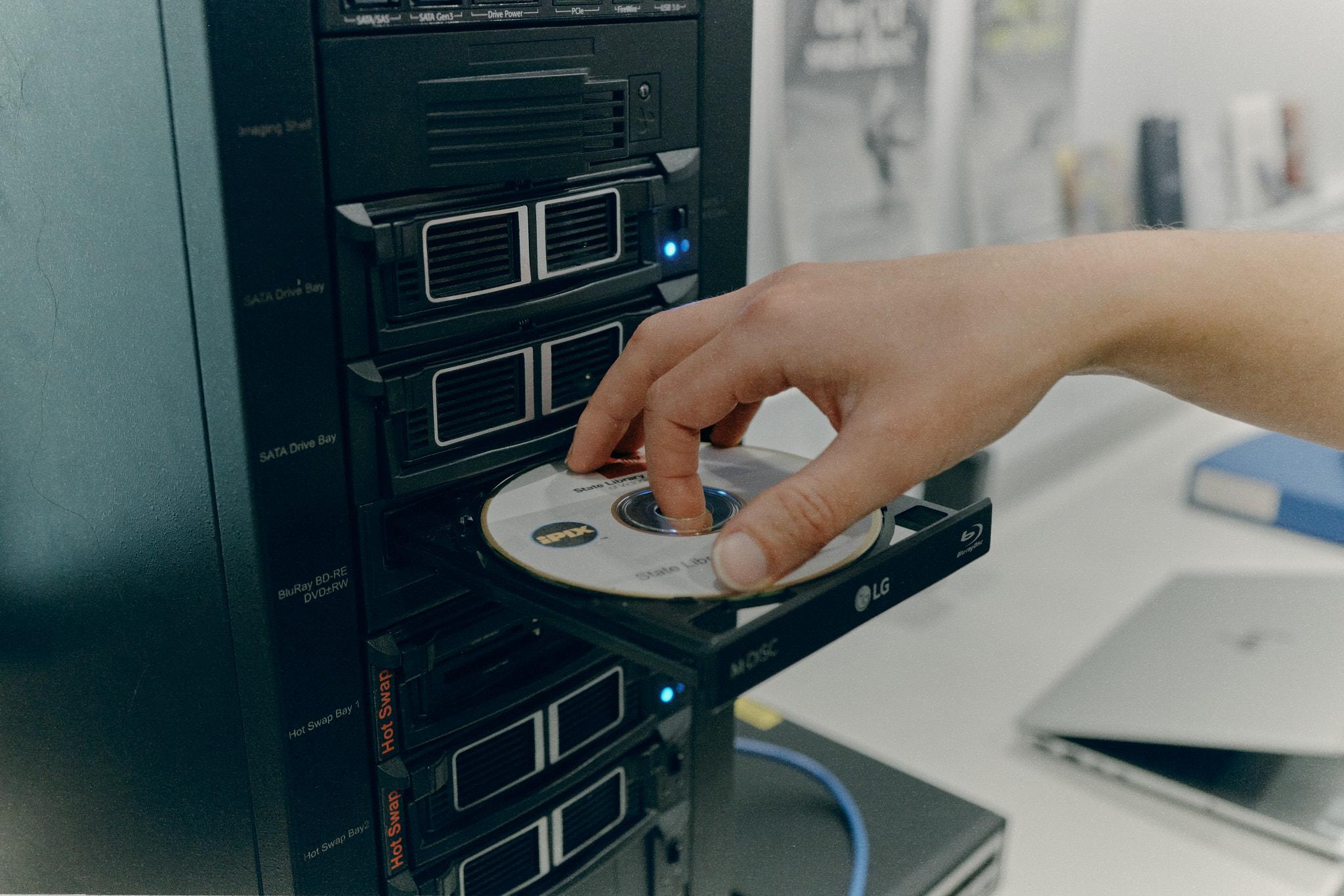
Emulation has become one of the ways cultural institutions can bridge that gap. Through AusEaaSI, a project led by Dr Melanie Swalwell and supported by Dr Cynde Moya , the Library has been exploring how older computing environments can be recreated for preservation and access. A Windows 98 emulator allows Virtual Tours to run in a setting close to the one it expected, with the right software dependencies in place.
The digital carriers of Victoria's cultural memory – websites, multimedia projects, CD-ROMs, datasets, digital photographs, software-based works, institutional records – all carry evidence of how people lived, worked, and communicated. Without preservation, they can become unreadable very quickly.
Virtual Tours shows people a library in transition. Now it shows us the web in transition as well. Its buttons and textures belong to a period when digital culture was becoming central to public life, while becoming increasingly vulnerable to disappearance.
State Library Victoria is continuing to image disks from its collections and strengthen the systems that will keep born-digital material available into the future. The archaeology of our online lives has begun, and some of its most revealing artefacts are hiding in old discs and simulated desktops waiting to be opened again.
Join Professor Melanie Swalwell and Dr Cynde Moya for 'Rescuing history from obsolete digital tech', a free drop-in talk on how content from CD-ROMs, floppy disks and other outdated formats can be rescued. Wednesday 11 November, 1–2pm, Create Quarter, State Library Victoria.
Resources
Title | Type | Author(s) | Tags |
|---|---|---|---|
| dataset |
| ||
| tutorial |
|